Skip to content

Redeeming vouchers ​

A voucher adds submissions to a workspace. Admins and editors can redeem one.

Steps ​

  1. Open the workspace's Settings screen
  2. Under Billing, press Redeem on the Voucher row
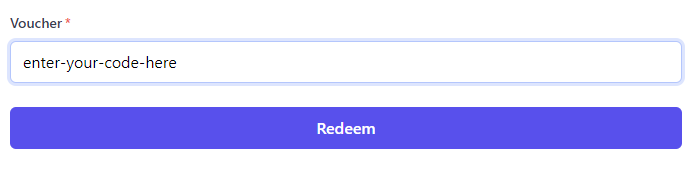
  3. Enter your voucher and press Redeem

redeeming a voucher