# Direct replies
From your email inbox, you can directly reply to the person who submitted the form.
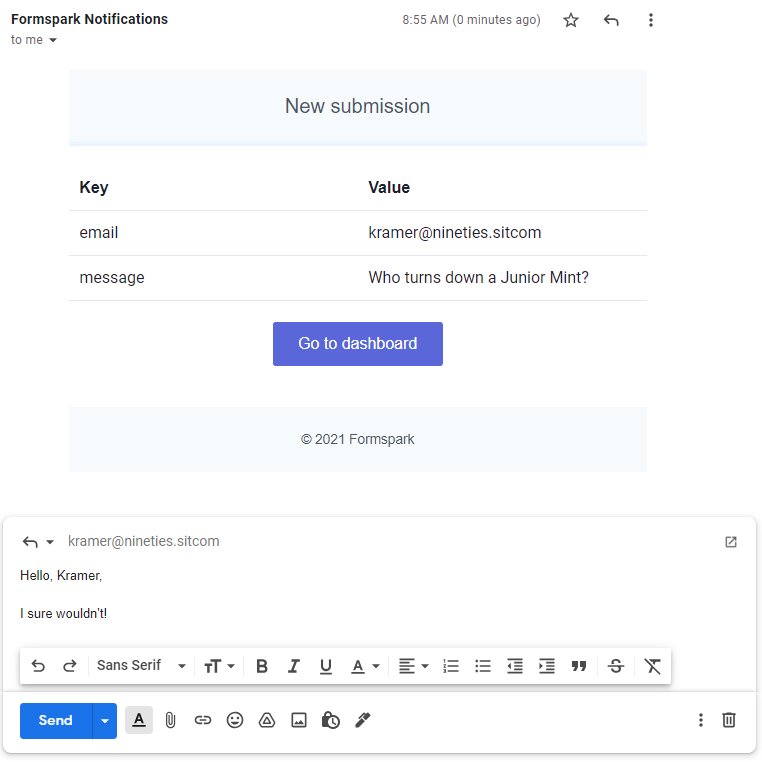
To activate this feature, create an input with any of the following names:
- `mail`
- `email`
- `_replyto`
- `_email.replyto`
`mail` and `email` match in any case, so a field named `Email` works too. The underscore names must be spelled exactly as shown.
::: tip
Use `type="email"` so the browser validates the address before submission.
:::
```html
```
```html
```
```html
```
```html
```
::: warning
Input names starting with an underscore will be hidden from the dashboard and notification emails.
:::